
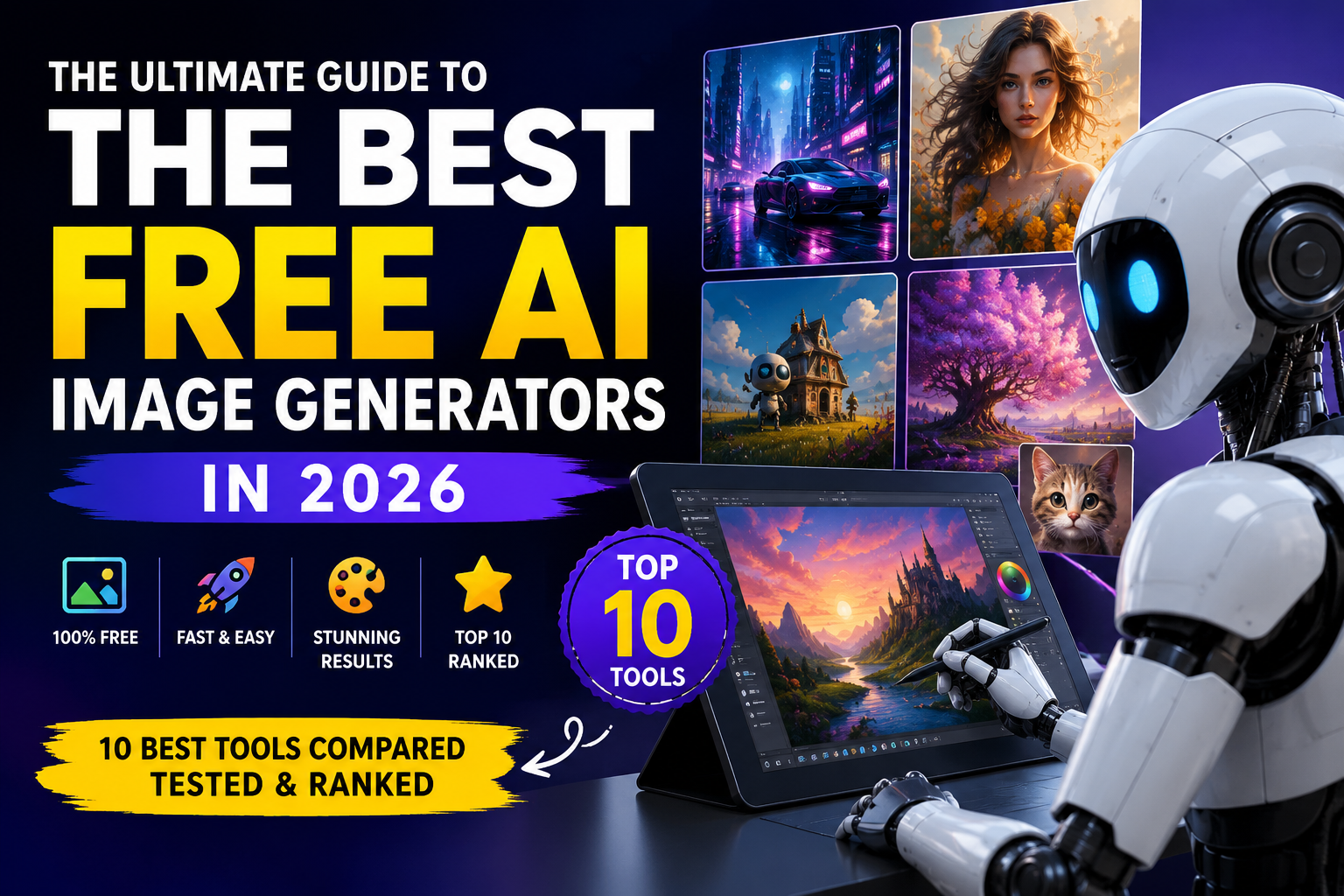
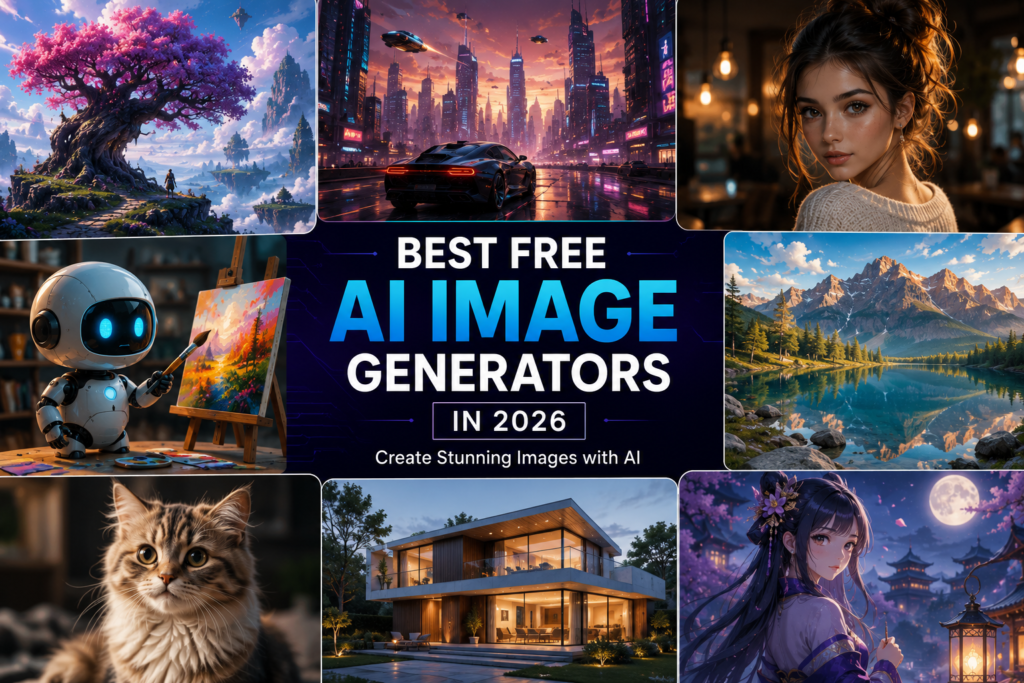
Artificial intelligence has transformed the way people create digital art, marketing graphics, social media posts, presentations, logos, and illustrations. In 2026, AI image generators have become faster, smarter, and more accessible than ever before. Whether you’re a content creator, student, blogger, graphic designer, marketer, or business owner, these tools can help you create professional-quality visuals in just a few seconds.
The biggest advantage of modern AI image generators is that you no longer need advanced design skills. Simply type a text prompt describing your idea, choose your preferred style, and let AI generate unique artwork. Many platforms even support editing, background removal, image expansion, logo creation, and photorealistic rendering—all from a simple prompt.
Why Use an AI Image Generator?
AI image generators save time, reduce design costs, and unlock creative possibilities. They can help you:
- Create stunning images in seconds
- Design social media graphics
- Generate blog featured images
- Produce YouTube thumbnails
- Create marketing materials
- Design logos and branding concepts
- Generate concept art and illustrations
- Make presentations more engaging
- Create unique wallpapers and digital art
Top 10 Best Free AI Image Generators in 2026
In this guide, we’ll review the following tools:
- ChatGPT Image Generation
- Google Imagen
- Adobe Firefly
- Microsoft Designer
- Leonardo AI
- Ideogram
- Playground AI
- Recraft
- Pixlr AI
- Canva AI
Each tool will be examined for its strengths, limitations, ideal use cases, and free plan availability.
Which AI Image Generator Is Best for Different Users?
Different users have different needs. Here’s a quick overview:
- Bloggers: Fast featured images and article illustrations
- Students: Presentation graphics and educational visuals
- Social Media Creators: Eye-catching posts, reels, and thumbnails
- Business Owners: Product mockups, ads, and branding assets
- Graphic Designers: Concept art, inspiration, and rapid prototyping
- Digital Artists: Creative experimentation and unique artwork
Tips for Writing Better AI Prompts
The quality of your image depends heavily on your prompt. To get better results:
- Be specific about the subject.
- Mention the desired style (realistic, anime, watercolor, 3D, etc.).
- Include lighting and camera angles.
- Specify colors and mood.
- Add aspect ratio if supported.
- Experiment with multiple prompt variations.
A well-crafted prompt often produces dramatically better images than a vague description.
Advantages of Free AI Image Generators
- No design experience required
- Saves time and money
- Generates unlimited creative ideas
- Perfect for blogs and social media
- High-quality artwork in seconds
- Suitable for personal and professional projects
- Easy to learn and use
Frequently Asked Questions
Are free AI image generators really free?
Most platforms offer a free plan with daily or monthly generation limits. Some also include optional paid upgrades for additional features.
Can I use AI-generated images commercially?
Many services allow commercial use, but licensing terms differ. Always review the platform’s usage policy before using images for business purposes.
Which AI image generator creates the most realistic images?
Several modern AI tools now produce highly realistic images, but performance varies depending on the prompt, style, and intended use.
Do I need graphic design experience?
No. Most AI image generators are beginner-friendly and only require a text prompt.
Final Thoughts
AI image generators have become indispensable tools for creators in 2026. They make it possible to transform simple ideas into professional-quality visuals within seconds, helping individuals and businesses create engaging content faster than ever before.