

Artificial intelligence is becoming a major part of everyday communication, and WhatsApp is introducing more AI-powered tools to make messaging faster, smarter, and more convenient. Whether you use WhatsApp for chatting with friends, managing work, or running a business, these new features can help you save time and improve productivity.
In this guide, we’ll explore the latest WhatsApp AI features, how they work, their benefits, and what users should know about privacy.
AI Chat Assistant
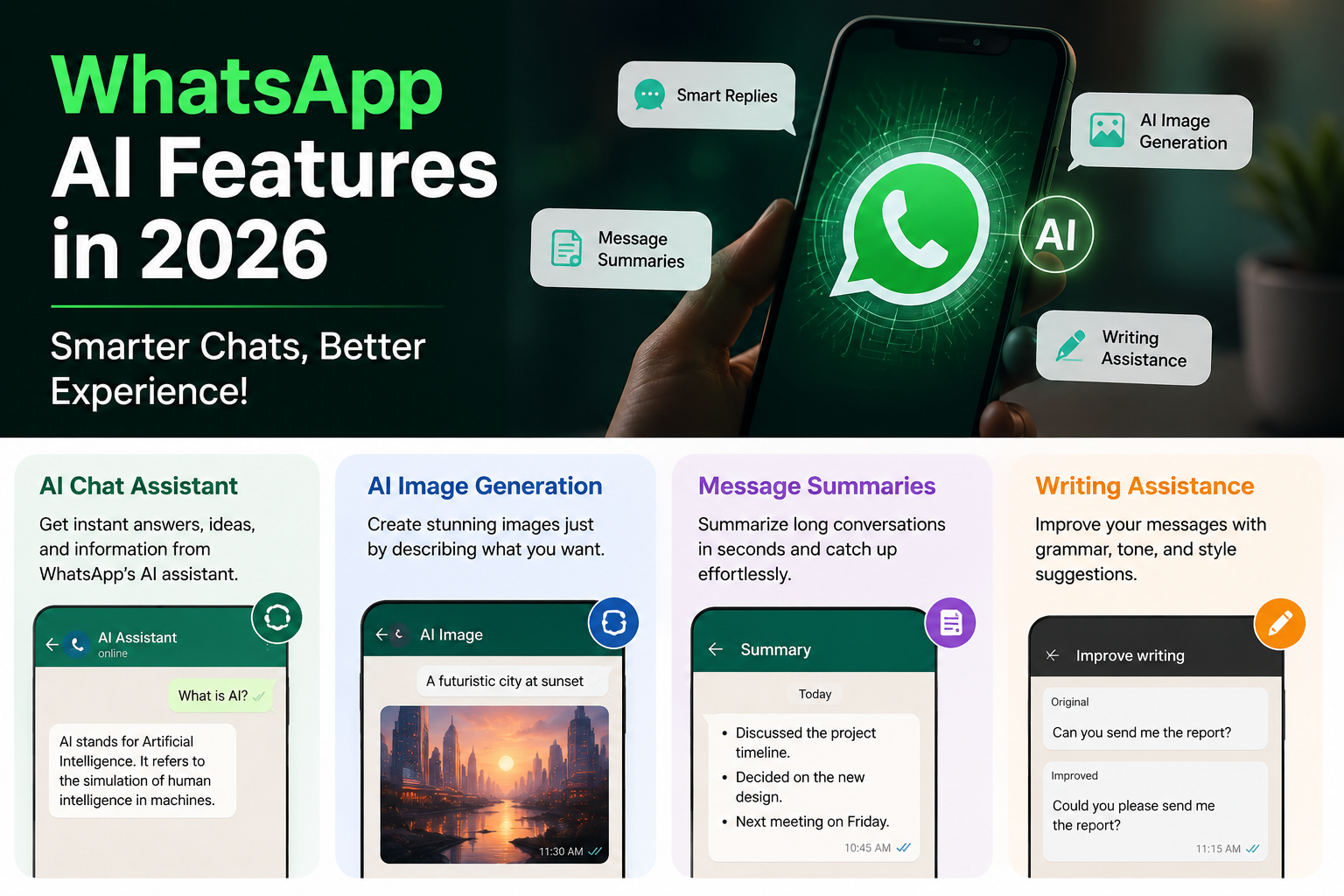
One of the biggest additions is the built-in AI assistant. Users can ask questions, brainstorm ideas, summarize information, and get quick answers without leaving the app. Instead of switching between multiple apps, many everyday tasks can now be completed directly within WhatsApp.
AI Image Generation
WhatsApp now supports AI-generated images in supported regions. Users can create illustrations, social media graphics, wallpapers, or creative concepts by simply describing what they want in text.
This feature is useful for:
- Content creators
- Students
- Small business owners
- Social media managers
Message Summaries
Long conversations can be difficult to follow. AI-powered message summaries help users quickly understand missed chats by highlighting the most important points, making it easier to catch up after being away.
Writing Assistance
AI can also help improve communication by:
- Rewriting messages
- Correcting grammar
- Changing the tone (formal or casual)
- Translating text
- Suggesting replies
These tools can make conversations more professional and efficient.

Business Benefits
Businesses using WhatsApp can benefit from AI by:
- Answering frequently asked questions
- Providing faster customer support
- Recommending products
- Responding automatically to common inquiries
This allows companies to improve customer service while reducing response times.
Privacy and Security
While AI offers convenience, privacy remains important. Users should:
- Avoid sharing sensitive personal information with AI.
- Keep two-factor authentication enabled.
- Update WhatsApp regularly.
- Review privacy settings periodically.
Understanding how AI processes information helps users make informed decisions about what they share.
Tips for Using WhatsApp AI
- Keep the app updated.
- Experiment with AI tools for productivity.
- Verify important information from reliable sources.
- Use AI as an assistant rather than relying on it for every decision.
Final Thoughts
AI is transforming how people communicate, and WhatsApp is integrating these capabilities into everyday messaging. Features like AI chat assistance, message summaries, image generation, and writing tools can improve efficiency while keeping conversations simple.
As WhatsApp continues to expand its AI capabilities, users should stay informed, use the features responsibly, and keep privacy settings up to date.